
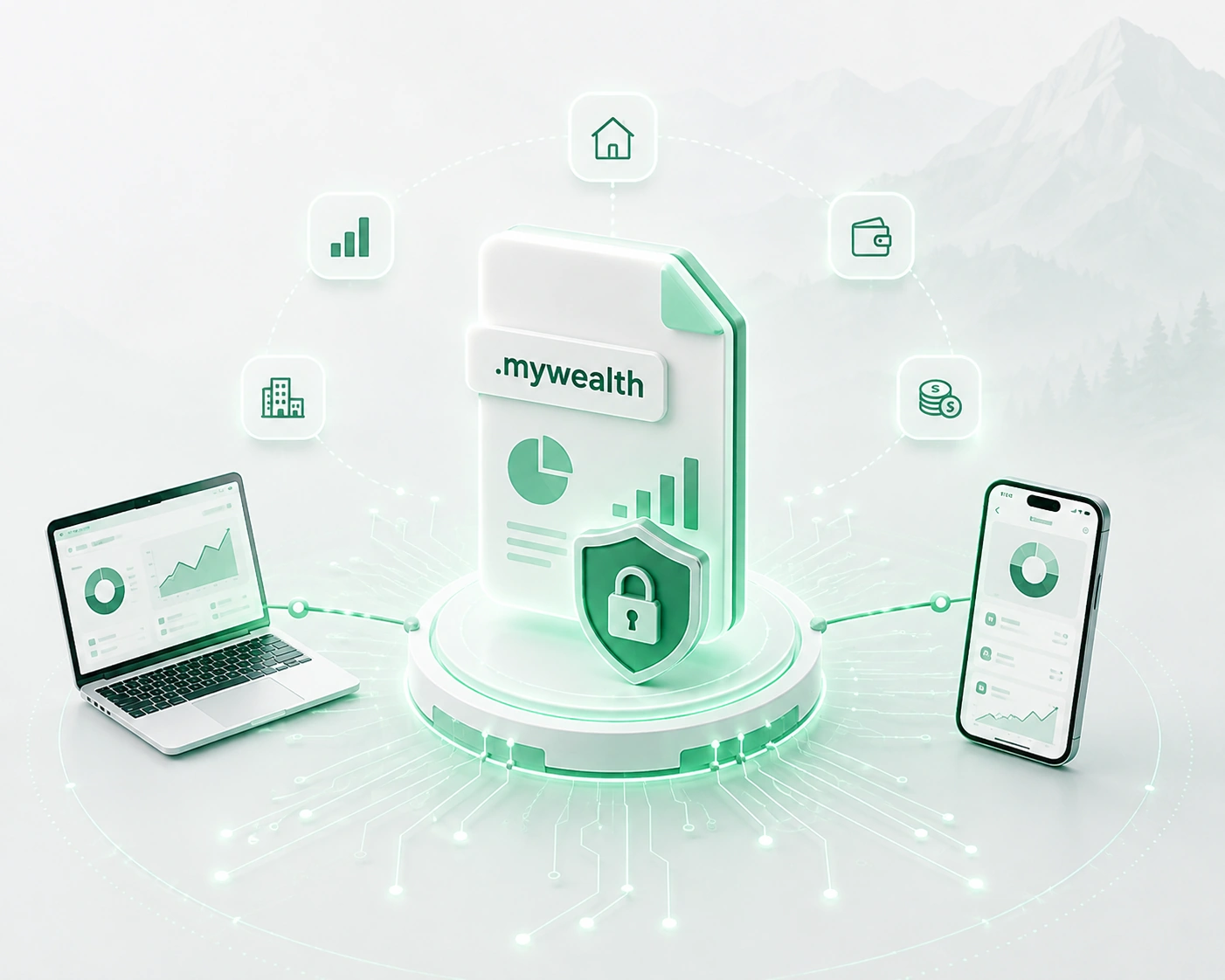
Manage your wealth without depending on mandatory cloud storage
Wealth data is especially personal: property, savings, investments, debt, income and financial goals.
My Wealth takes a different approach from many online applications: your wealth remains stored in a file that you control.
The application's essential features remain available without mandatory cloud storage or a required user account.
The application is available on Windows and Android. The .mywealth format follows the same local-file approach on both platforms.
Your wealth remains in your file
My Wealth stores your wealth in a .mywealth file whose location you choose.
This file contains the information needed to track your wealth and remains its source of truth. You know where your data is stored and retain control over its location.
This local-first approach is one of My Wealth's fundamental principles. Essential creation, viewing, editing and saving features remain available without a remote service.
Choose the location and organize your backups
The .mywealth file can be moved or copied like any other document. You can choose a local location or, where the platform permits, an external location managed by a provider of your choice.
On Windows, My Wealth keeps up to five version backups when this feature is available. They can restore an earlier copy after a change or save problem, but they do not replace a personal backup on another medium.
File portability therefore lets you organize the storage, duplication and restoration of your wealth yourself.
Use My Wealth even without an Internet connection
A wealth management application should not become unusable simply because a remote service is unavailable.
My Wealth therefore keeps the essential features for viewing and editing your wealth locally.
Connected services can enhance certain features, such as retrieving external information, but they do not become the source of truth for your data. Your wealth remains accessible independently of their availability.
No mandatory account for managing your wealth
You do not need to create a user account to use My Wealth's essential features.
Your identity, wealth and file therefore do not depend on an account hosted on a remote platform. Optional services may use their own mechanisms where necessary, but remain separate from the application's core operation.
Protect your wealth with encryption
On Windows and Android, the My Wealth file can be protected with password-based encryption.
Encryption protects the entire wealth file while preserving the application's local operation. You can therefore strengthen the protection of a file containing particularly sensitive financial information.
My Wealth neither knows nor stores this password. If it is lost, Indrik Software cannot recover it or restore the encrypted file. It is therefore important to keep the password and suitable backups in safe locations.
Connected services remain optional
My Wealth can use certain external services to enrich the experience, for example to find an address, retrieve a value or refresh information.
These features remain optional. An external outage must not prevent use of the essential features or turn a remote service into the primary source for your wealth.
My Wealth maintains a clear separation between your wealth data and services used occasionally to supplement it.
Local AI consistent with this philosophy
The same approach applies to artificial intelligence.
On Windows, My Wealth provides an AI assistant that can run locally on your computer, letting you query your wealth without requiring it to be sent to a remote AI service.
For users who want to connect another assistant or compatible tool, My Wealth also provides a local MCP server with separate permissions.
Discover the local AI assistant and MCP server
Responsibility shared with the user
Control over the file provides freedom, but also means organizing its protection: choosing its location, keeping copies and not losing the password when it is encrypted.
My Wealth provides file, backup and encryption mechanisms; you remain in control of the preservation strategy that suits your situation.
Discover My Wealth's other features
My Wealth also lets you track assets and liabilities in a multi-asset portfolio, your net wealth, passive income, budget and investment goals.
Discover the wealth management software
Try My Wealth for free
You can discover My Wealth directly in your browser with the online demo, with no installation required.
To manage your own wealth in a local file, you can then download My Wealth for Windows.
On Android, My Wealth is installed from the Google Play Store.