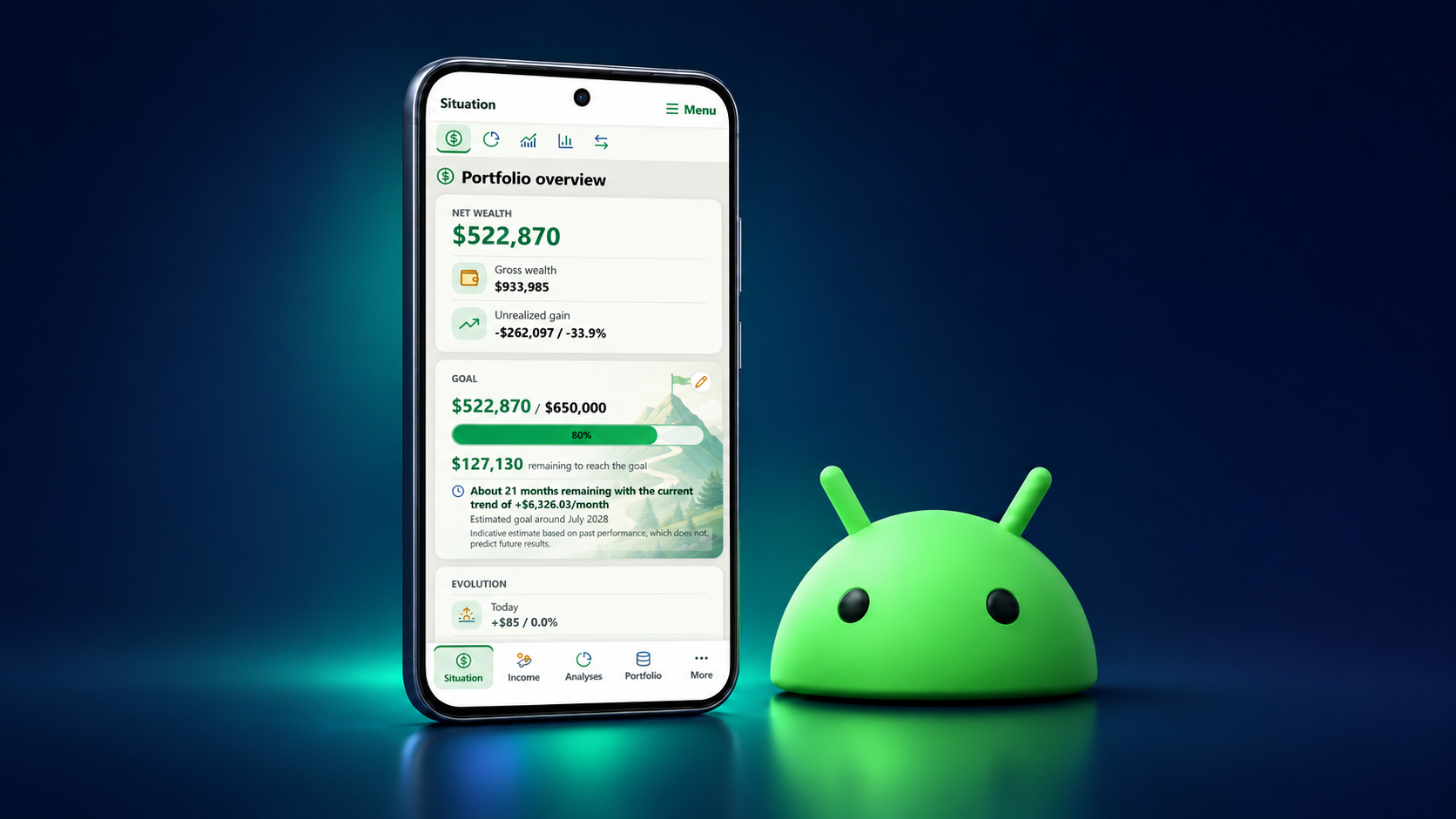
My Wealth is available on Android
Install My Wealth from Google Play and access your wealth overview on your phone or tablet.
Read the update →
Discover new My Wealth releases and follow the progress of features in development.
Install My Wealth from Google Play and access your wealth overview on your phone or tablet.
Read the update →
My Wealth comes to Linux: access your wealth on desktop and choose an AppImage or .deb package installation.
Read the update →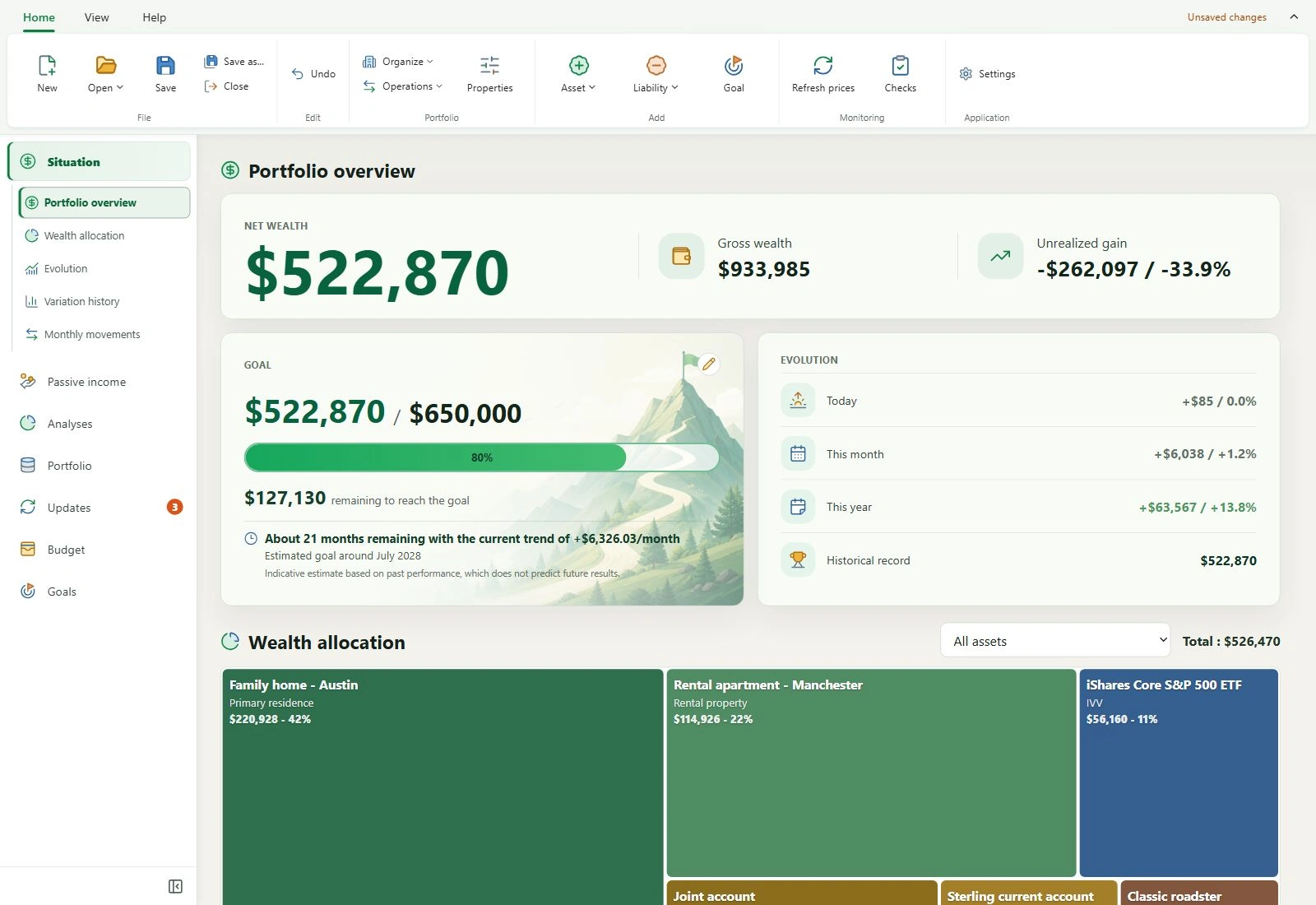
Discover what’s new in My Wealth 1.7.6: reorganised ribbon, coloured icons, checks, simplified rankings and passive income adjustments.
Read the update →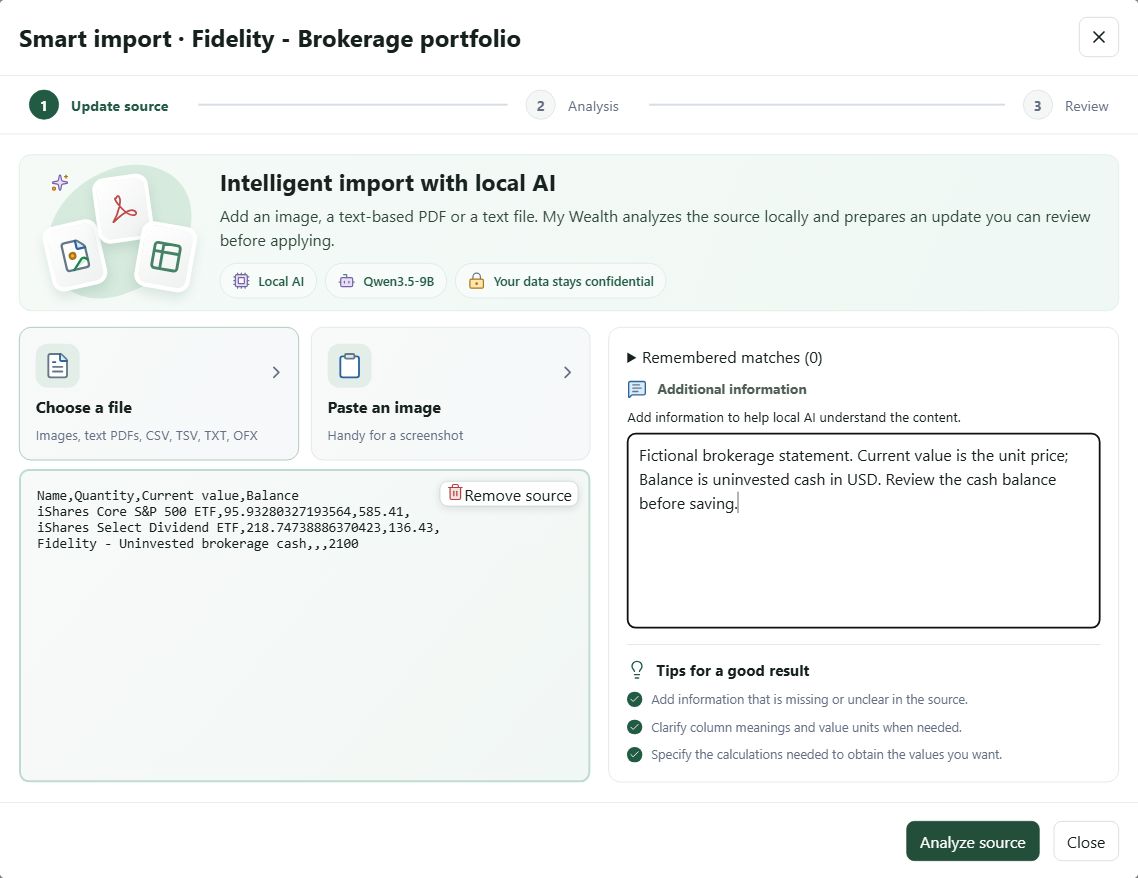
My Wealth 1.7.5 introduces the Update Centre on Windows and Android, extends smart import to text files and text-based PDFs, and improves monthly movement analysis.
Read the update →
Get priority access to My Wealth on your Android smartphone. Sign up with your Google account to receive confirmation and install the app from Google Play.
Read the update →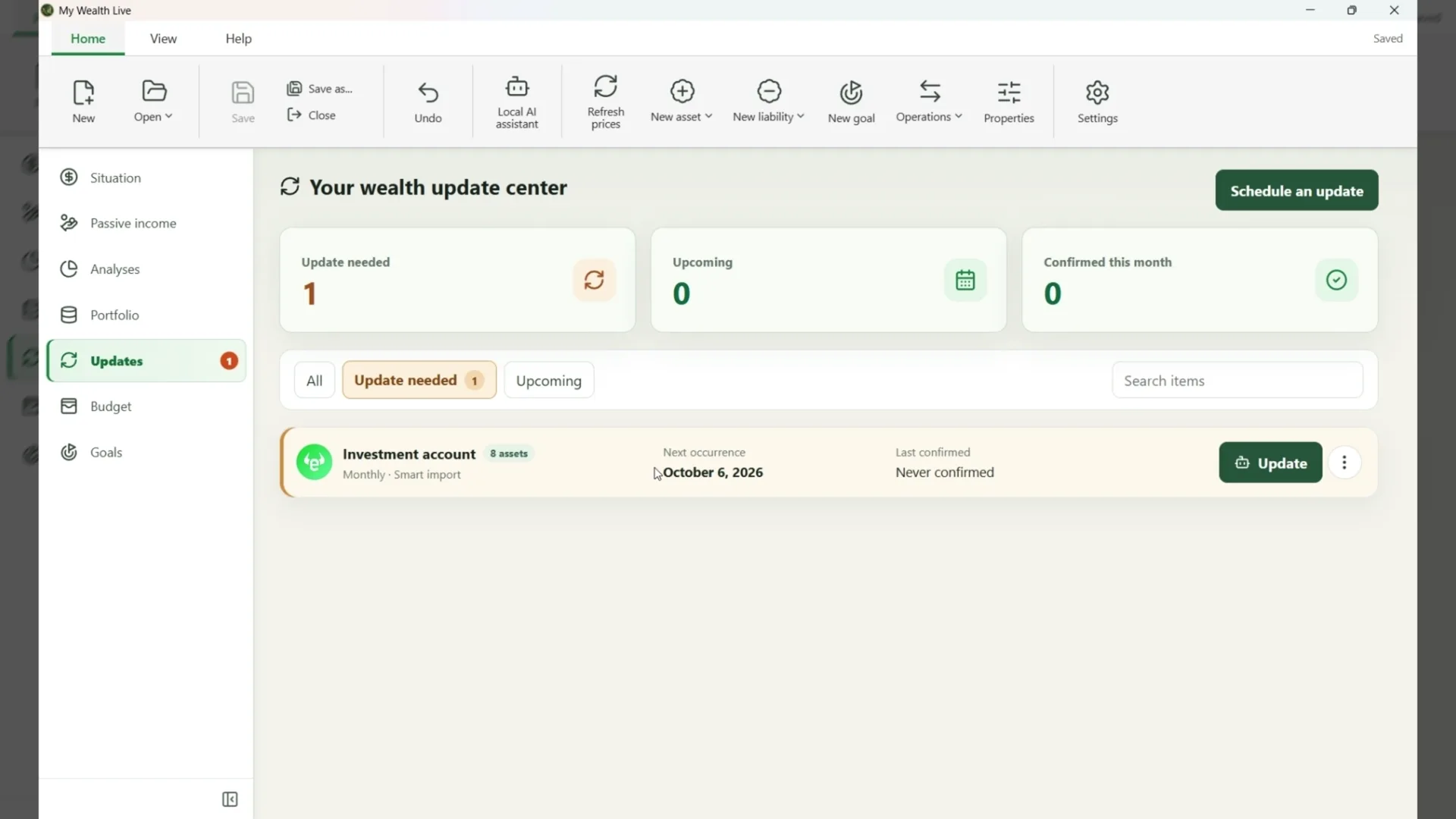
Schedule checks of your accounts, assets and liabilities in My Wealth, then update their values manually or from an image analysed by local AI.
Read the update →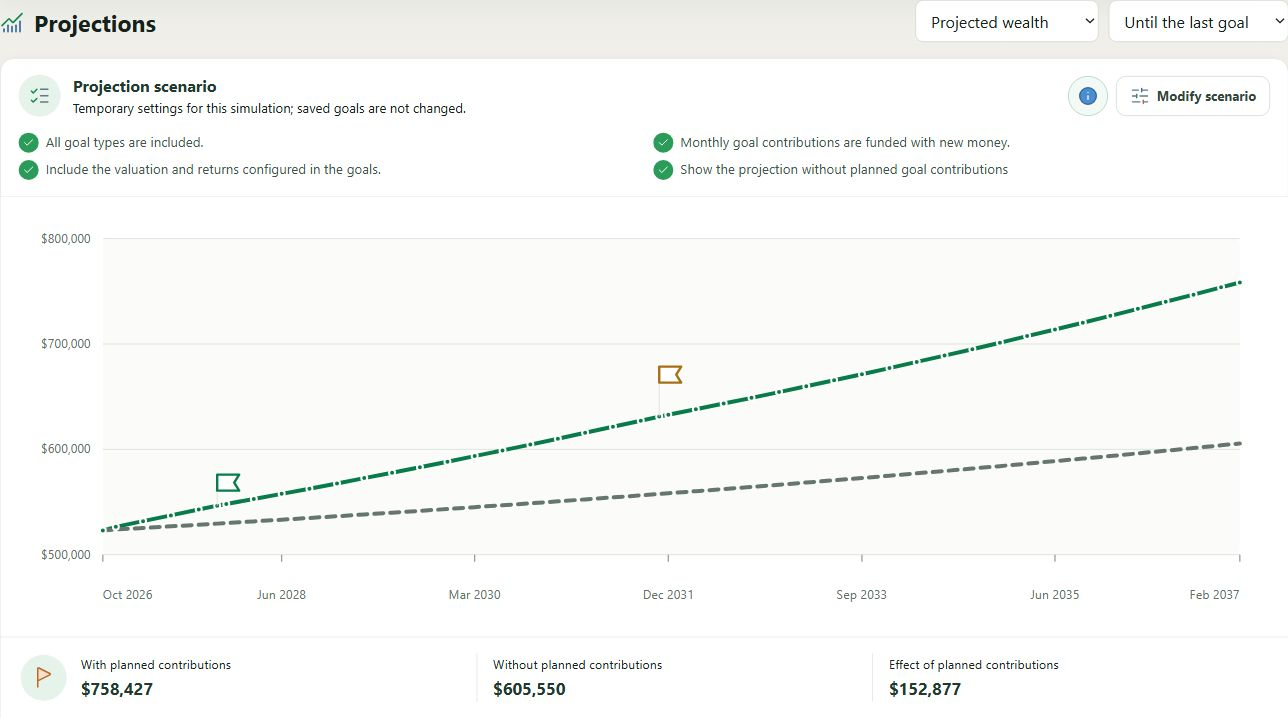
My Wealth 1.7.0 improves planning with a dedicated view for goals and projections, refines budget tracking and expands local AI.
Read the update →
Three local LLMs compared in My Wealth on a 16 GB GeForce RTX 5060 Ti: quality, response times and Vulkan/CUDA performance.
Read the update →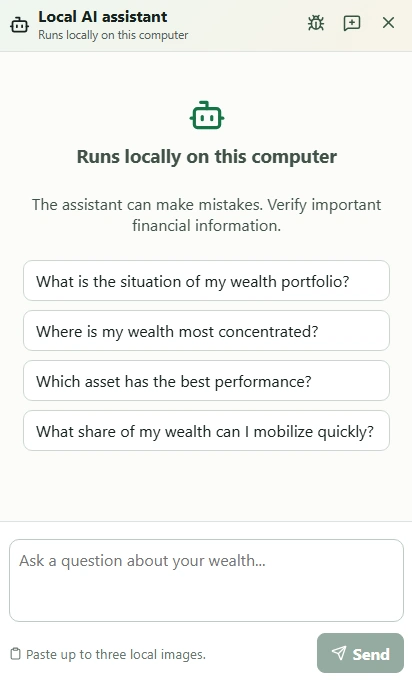
My Wealth 1.6.0 adds a local AI assistant, expands investment goals and strengthens multi-currency management.
Read the update →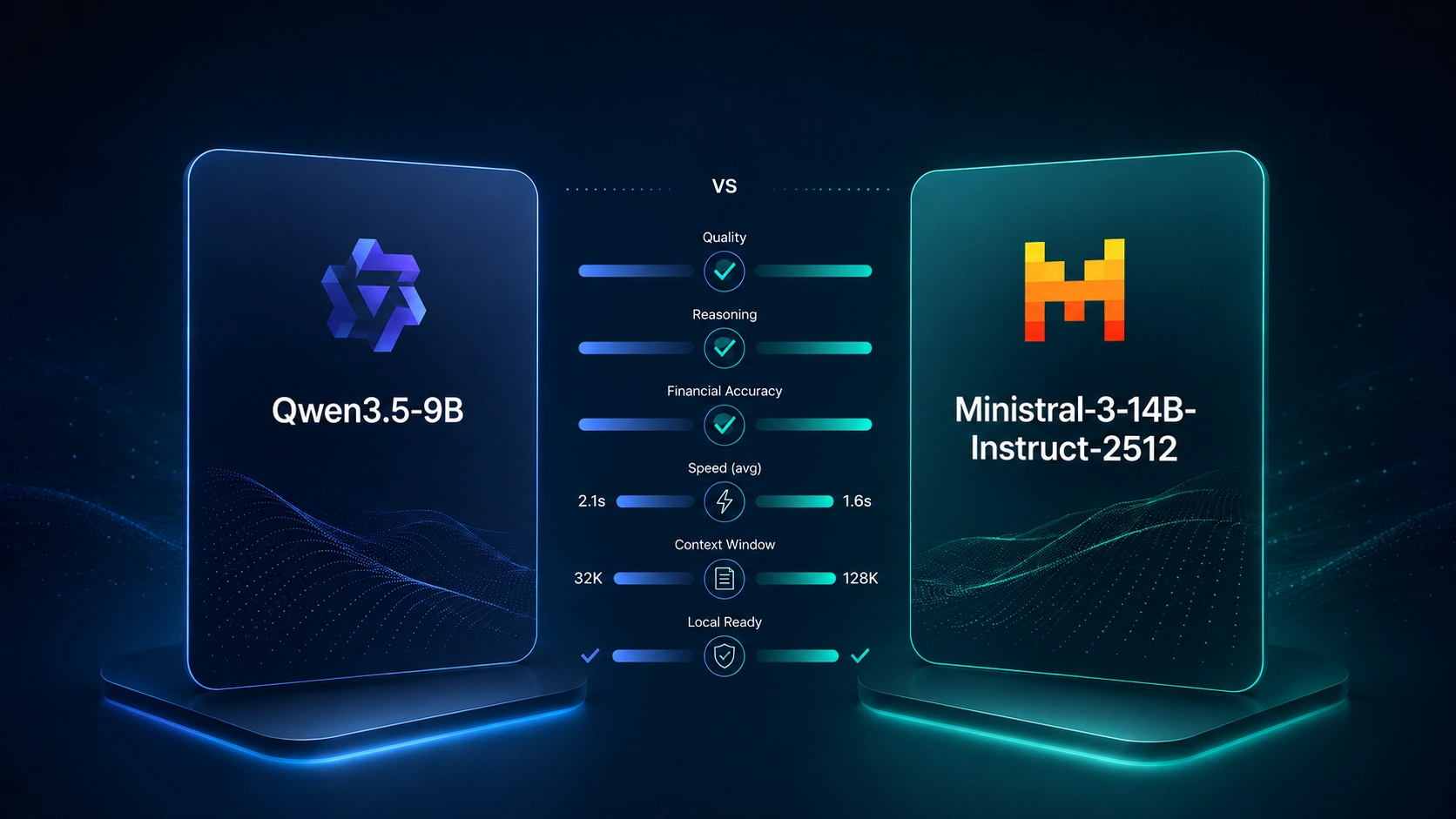
Qwen3.5-9B and Ministral-3-14B compared in My Wealth: 46 reproducible scenarios reveal the trade-offs between reliability, speed and complexity.
Read the update →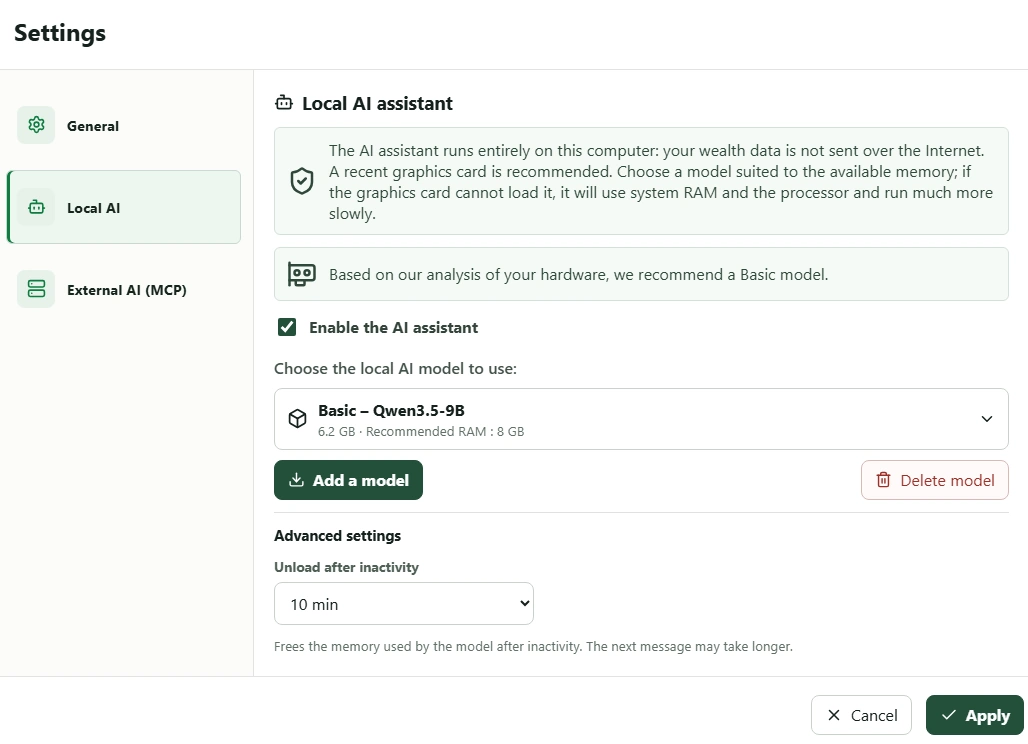
With version 1.6, My Wealth includes a local AI capable of analysing and modifying your wealth while keeping your data on your computer.
Read the update →Progress update on the future My Wealth Android app and the principles guiding its development.
Read the update →