
My Wealth help
This help is organised by task. Choose what you want to do from the list below, then follow the commands in order. My Wealth is available on Windows and Android and uses the same .mywealth format on both platforms.
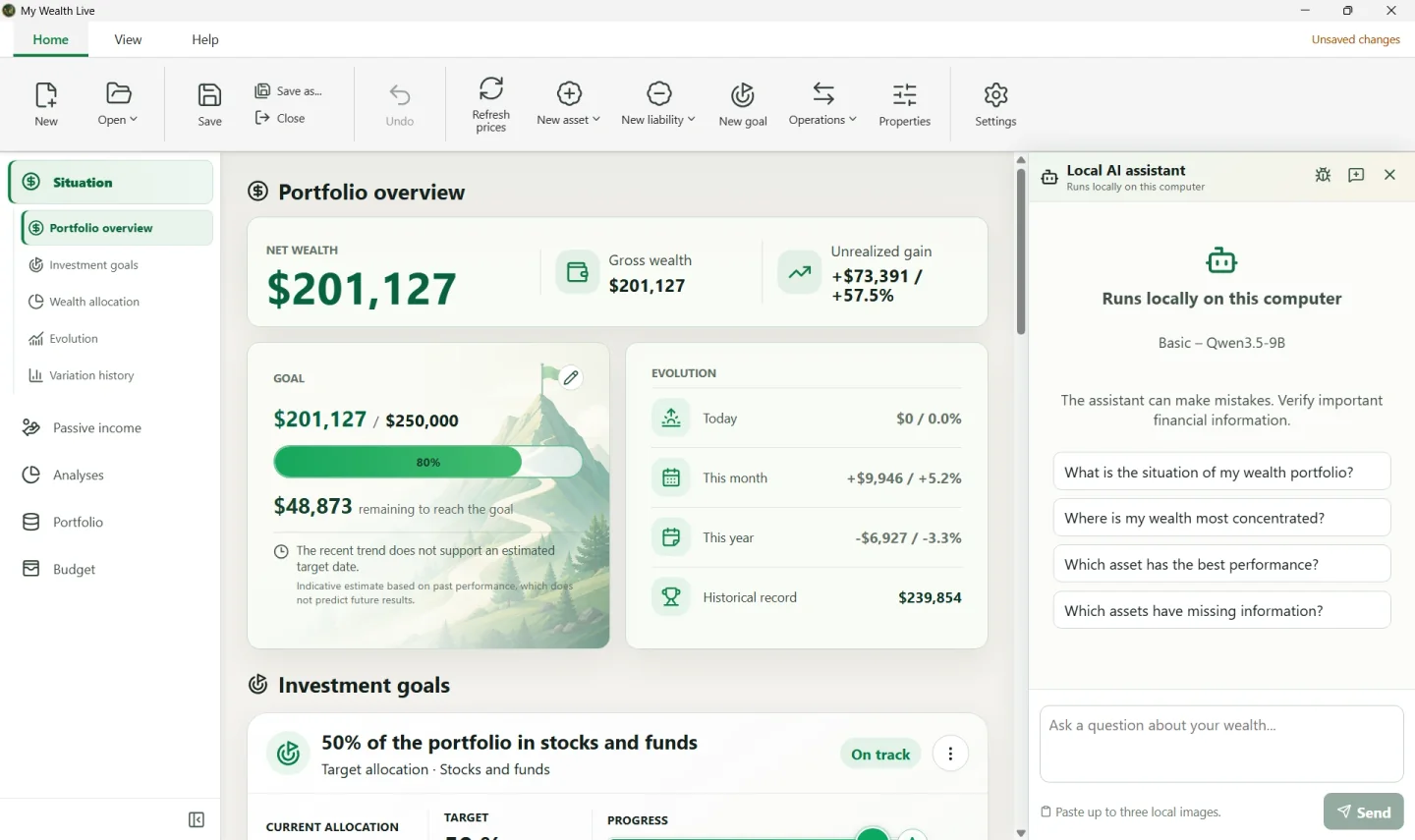
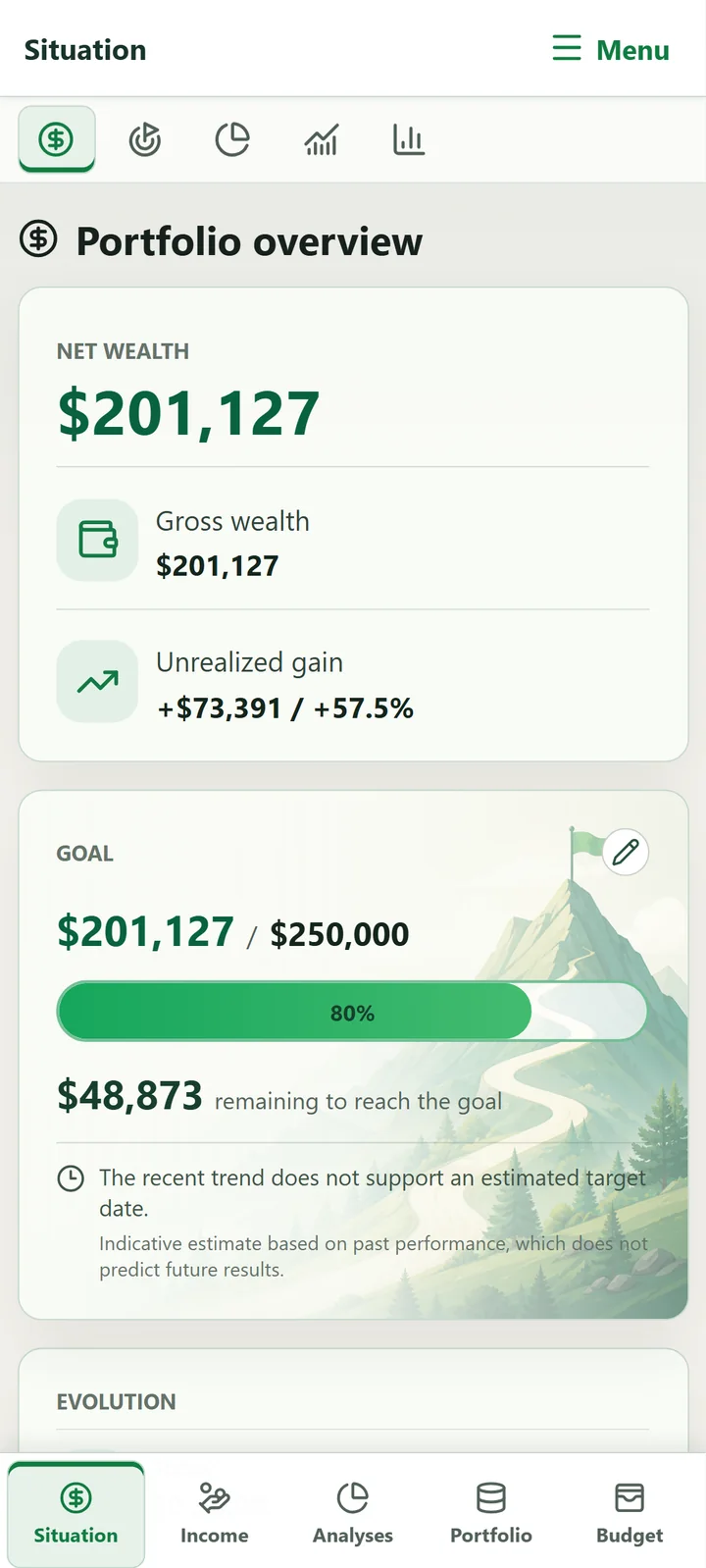
The screenshots show the application in English. Commands remain in the same place when My Wealth is used in another language.
Discovering My Wealth
- Create my first wealth file: name, main currency, owner, support, and first account.
- Understand the My Wealth philosophy: choose useful information without copying every transaction.
- Choose between Windows and Android: available features, saving, and moving between devices.
- Understand assets, supports, owners, and liabilities before entering several investments.
- View examples of wealth organisation to choose a suitable structure.
- Manage owners and ownership shares when several people or organisations own the wealth supports.
Entering my wealth
- Add an account, property, or investment and choose the appropriate family.
- Add a loan or debt, then associate it with the financed property.
- Correct a currency conversion when a total is partial or a rate equals
0. - Import data on Windows, then check the items created.
Understanding or planning
- Read Situation and Passive income and trace the source of an amount.
- Understand wealth analyses and identify the items that explain each result.
- Understand history and evolution without confusing historical records with current values.
- Create a value, allocation, or passive-income goal.
- Build a budget by account with income, expenses, investments, and transfers.
Configuring an optional feature
- Update prices with My Wealth Live and understand items that were not updated.
- Install and authorise the local AI assistant on Windows.
- Connect an external application with MCP and limit its permissions.
Protecting my data or solving a problem
- Save, synchronise, and encrypt my file.
- Diagnose a file, rate, Live, or local-AI problem.
- Read the frequently asked questions for quick answers to the most common problems.
You can also browse the online demonstration without changing your own data.