
Understanding your situation and income
Start with Situation to check the values you entered, then use Passive income to trace the flows generated by your assets. Both views use the same items, but they do not calculate the same thing.
Checking net wealth in Situation
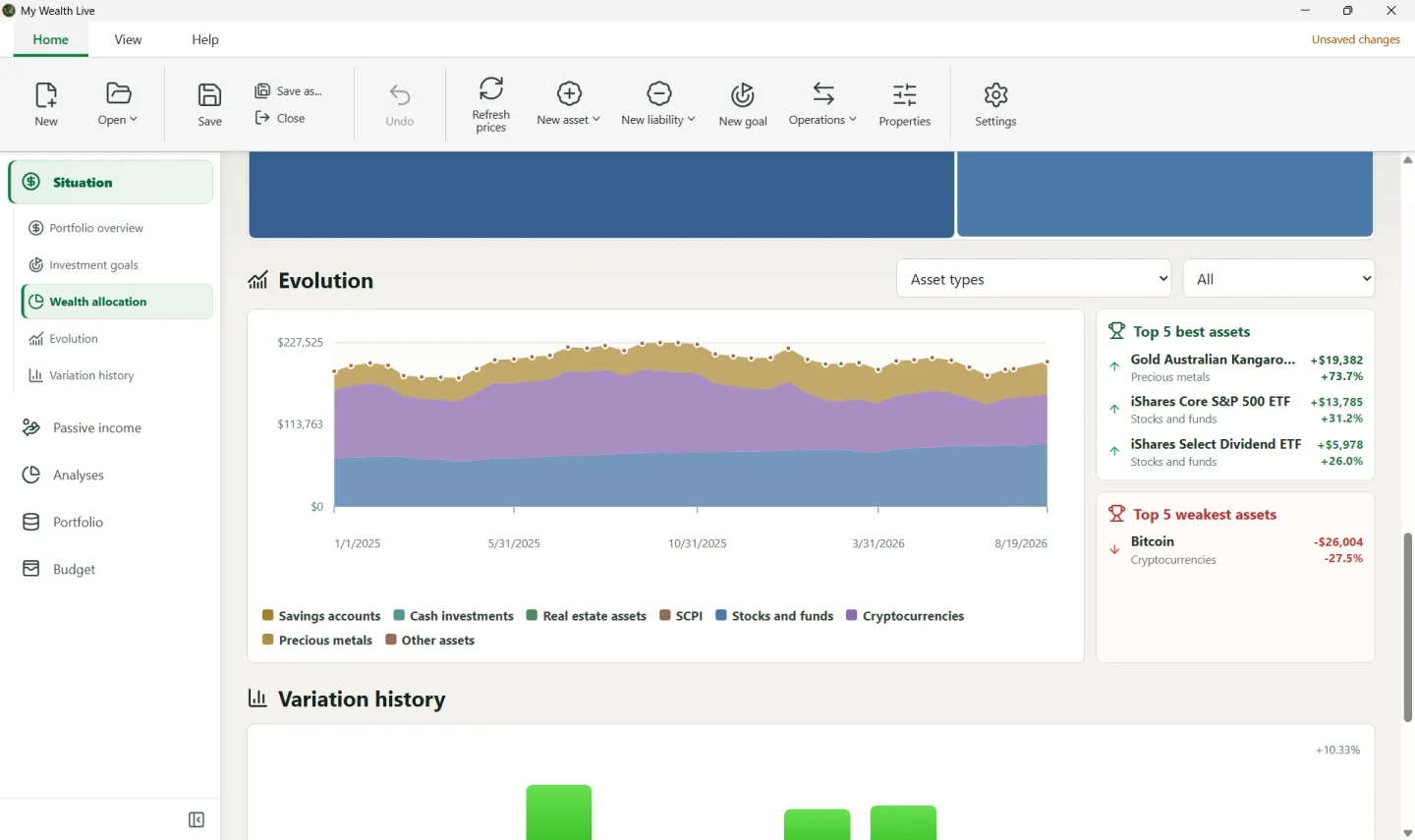
The main calculation is: gross wealth − liabilities = net wealth. If an amount does not match your expectations:
- open Portfolio and check the asset's value and currency;
- look for a duplicate asset and make sure its quantity, price, or balance was entered in the correct fields;
- check the outstanding principal of liabilities;
- if the result is marked as partial, correct the rates in Properties > Exchange rates.
In the demonstration wealth file shown in the screenshots, the assets total approximately USD 201,127. This amount comes in particular from bitcoin, ETFs, the joint account, and the gold coin; it is not a separate balance that you need to enter.
Allocations can be filtered by family, asset, support, or another available scope. Removing a filter should restore the full total.
Tracing the source of passive income
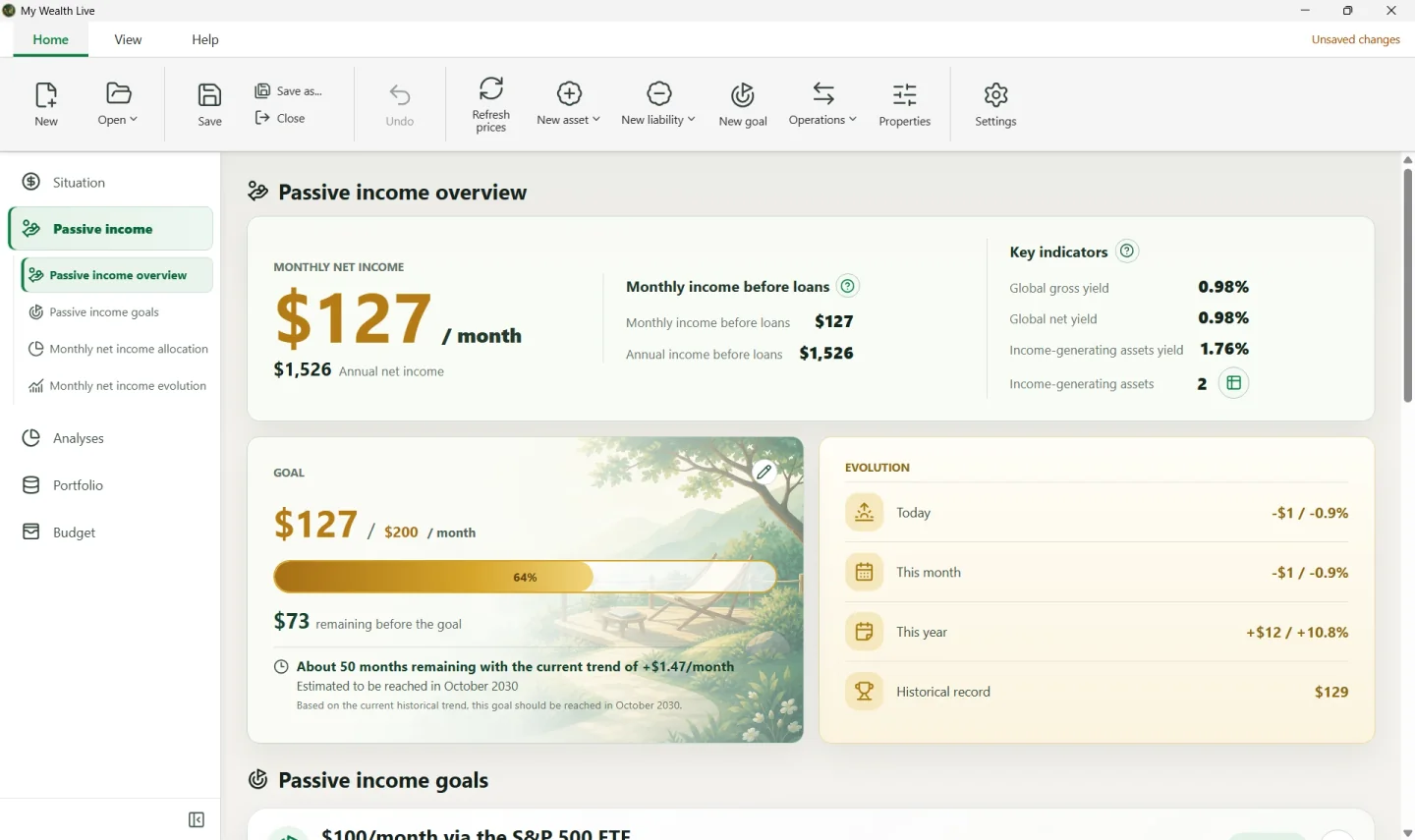
Passive income adds up rent, interest, dividends, and other income recorded for each asset. In the demonstration, the total of approximately USD 127 per month comes from the income entered for the investments; it is not calculated solely from their value.
To correct missing income:
- open the asset in Portfolio;
- edit its income section;
- check the amount, frequency, currency, and any charges;
- return to Passive income and compare the monthly and annual amounts.
The view can distinguish income before loan repayments from net income after the charges taken into account. A loan payment is therefore not the same thing as a reduction in the asset's value.