
Understanding wealth history and evolution
The evolution chart connects the values recorded in the history. It lets you track the document over time without confusing a historical record with the current valuation of your assets.
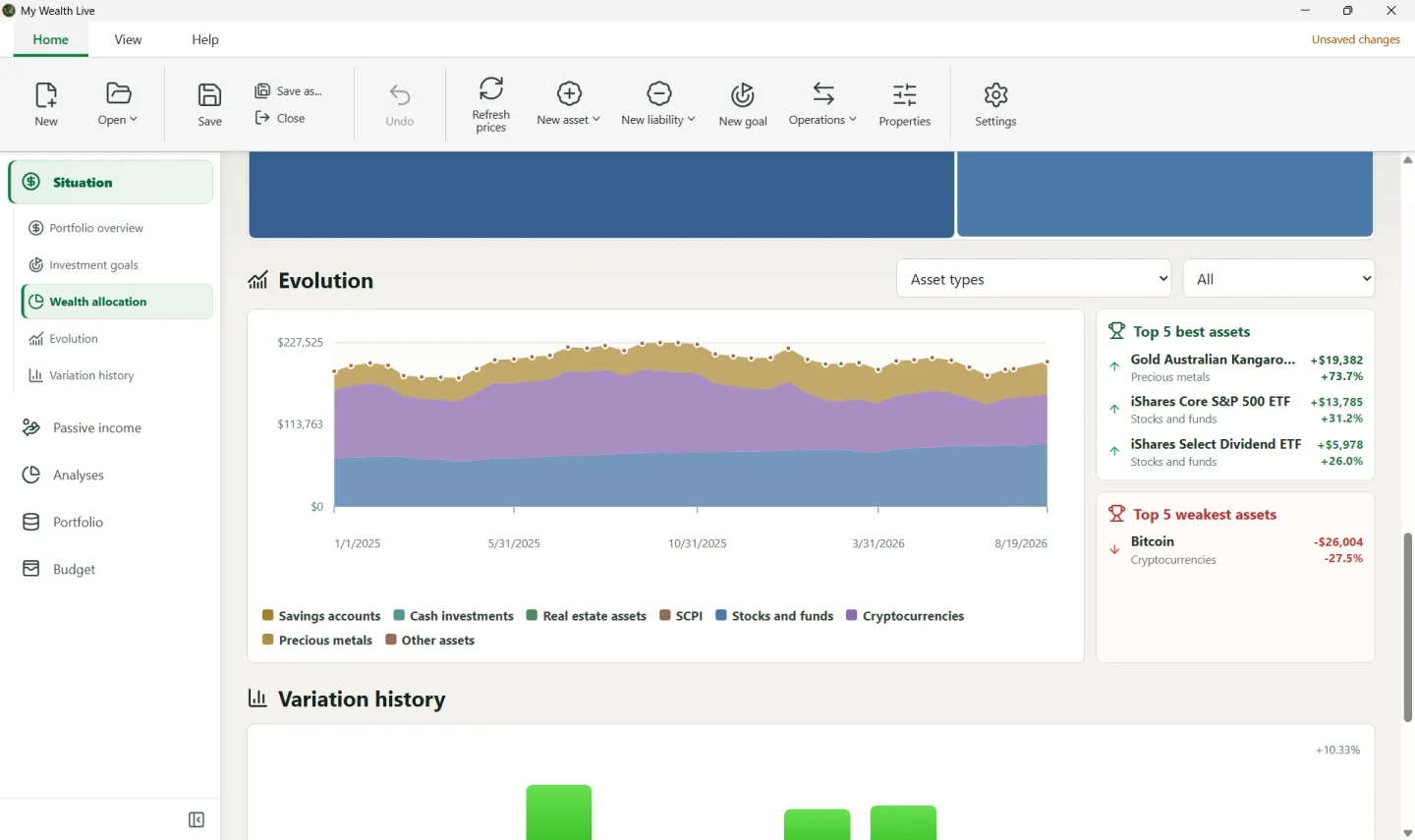
Reading the chart
The vertical axis adapts to the visible values and uses rounded limits. A small fluctuation can therefore remain readable without the chart necessarily starting at zero.
Change the period or scope to isolate a trend. The ref. date identifies a reference value that is separate from ordinary data points.
Correcting a current value
To correct the current price, balance, or value of an asset, edit its Valuation in Portfolio. Do not create a new asset merely to represent a change in value.
Correcting or deleting a historical day
Correcting a historical day does not change current values. Deleting a day removes only that record after confirmation.
When deleting an asset, carefully read the option concerning its history: deleting the current asset and erasing its former traces do not produce the same result in the evolution chart.
Checking before an important correction
Save the wealth file before making a significant change. On Windows, .bak backups may let you recover a previous version of the file if necessary.