
Understanding how wealth is organised
Before adding many items, remember the organisation recommended by My Wealth: owners are associated with supports; assets and liabilities can then be associated with those supports. An asset or liability has no direct owner, but its support remains optional.
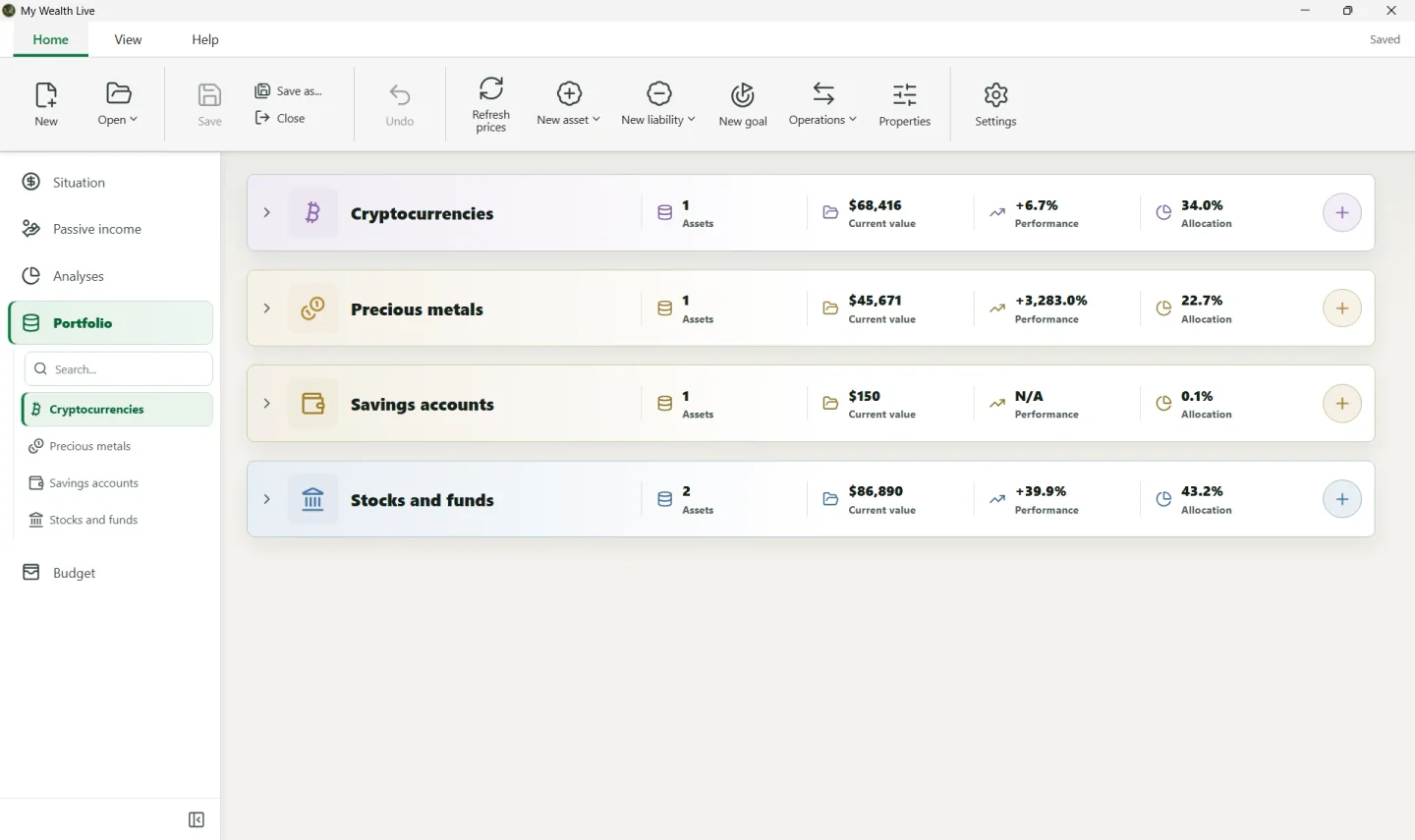
Main items
| Item | What is it for? | Example |
|---|---|---|
| Wealth file | Groups the entire document | Family wealth |
| Owner | Represents a person or organisation that owns all or part of a support | You, your spouse, or a company |
| Support | Carries ownership and groups the assets and liabilities linked to it | Securities account, bank account, contract, or property support |
| Asset | Represents what you own and can be linked to a support | Apartment, account, ETF, or bitcoin |
| Liability | Represents a debt and can be linked to a support | Mortgage or personal loan |
Understanding the ownership chain
Ownership is read in this order:
Owner(s) → Support → Asset(s) and liability/liabilities
Ownership shares are defined on the support. All assets and liabilities linked to that support therefore use this ownership; you do not select an owner directly on each asset or liability.
The None option remains available for the support. Use it when you do not need to group the item or define explicit ownership. The main owner is then used as a reference in allocations that require an owner.
Practical example
To represent a securities account containing two ETFs:
- create the owners in Properties > Owners;
- create a support named
Securities account; - assign the owner or owners and their ownership shares to the support;
- create an asset for each ETF under Stocks and funds;
- assign both ETFs to the
Securities accountsupport.
The two ETFs thereby inherit the ownership carried by the support. If the securities account's allocation changes, edit the support rather than each of its assets.
The same principle for a liability
A liability can also be linked to a support. For property financed by a loan, link the property asset and corresponding liability to the support that represents this ownership. The support then maintains a consistent ownership chain for both items. The loan can also reference the property under Associated assets to state precisely what it finances.
Recommended entry order
- Under Properties > Owners, create each person or organisation and choose the main owner.
- Create the required supports and define the owners and their ownership shares on each one.
- With New asset, add each property, account, or investment, then link it to the appropriate support if needed.
- With New liability, add debts, choose their support if needed, and enter the assets they finance.
- Under Properties > Exchange rates, complete any conversions shown as
0.